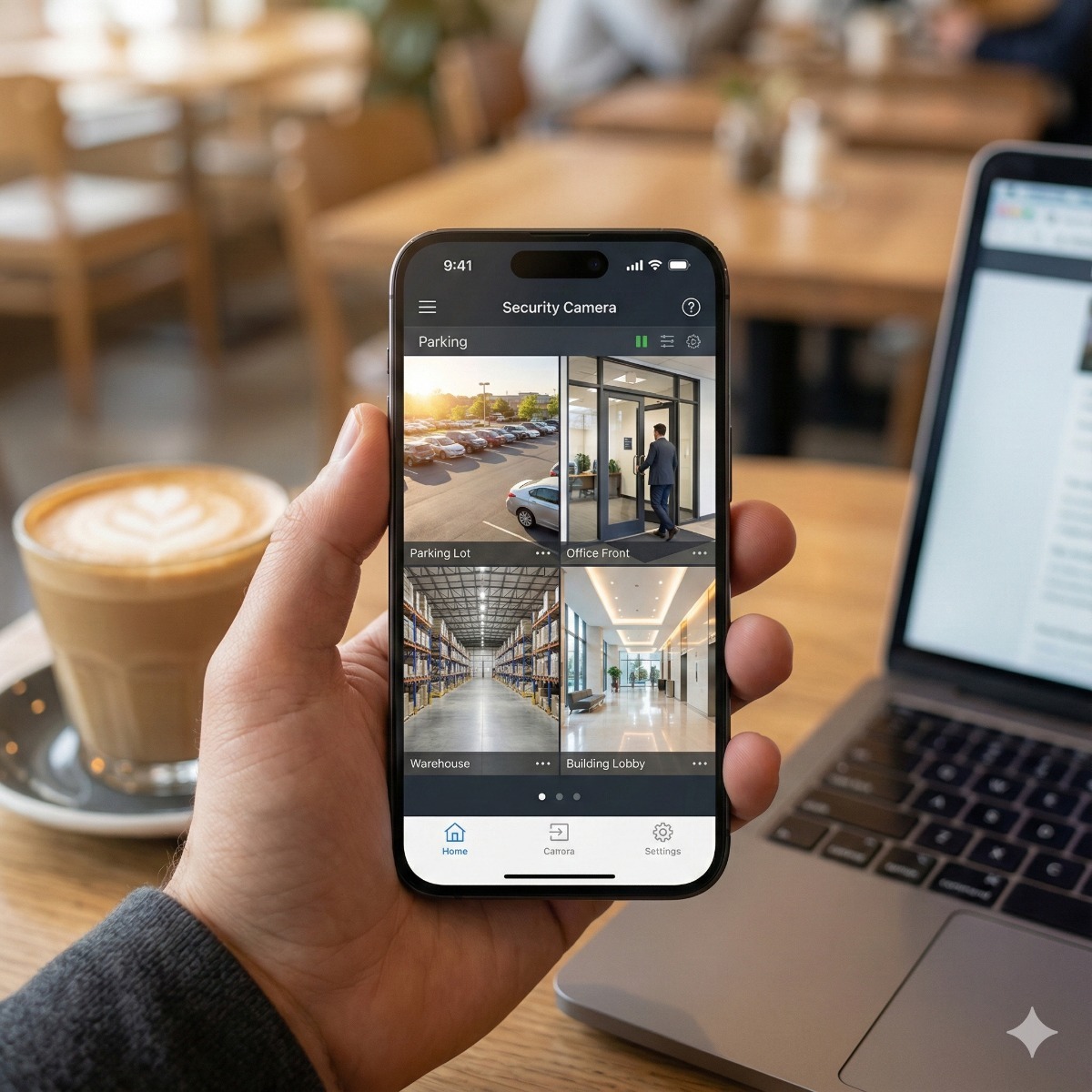
IP Camera Setup
Many camera systems are installed correctly but configured badly: cameras recording at low quality, motion alerts firing all night, or remote access left open to the whole internet. We also check that the NVR clock, storage and user accounts are set correctly, because wrong timestamps and shared admin passwords are two common problems. You get a short written summary of settings, retention time and admin accounts.
- IP camera & NVR setup – channels, schedules, motion zones and storage.
- Remote viewing setup – phone and PC access without port forwarding.
- Repair – when a camera is offline or the NVR stopped recording.
Starting from scratch? See security camera installation.
Video recording settings worth checking
Cameras straight out of the box rarely record the way a video surveillance system should. The settings we review on every recorder and camera:
- Streams. A high-resolution main stream for recording and a lighter sub-stream for phone viewing, so live video loads quickly on mobile data.
- Compression. H.265 stores a similar image in less space than H.264, but some older recorders and apps handle it poorly, so we pick what the whole system supports.
- Frame rate and bitrate. High enough for moving people and cars to stay sharp, low enough for the drives to hold the retention you want.
- Continuous or event recording. Continuous video recording gives a complete timeline; event recording saves space but can miss the moments before something triggers it.
Tuning motion detection cameras
Most complaints about alerts come from sensitivity left at the default and detection zones covering the whole image. We draw zones around doors, gates and walkways, leave out trees and the street, and switch on person and vehicle detection or line crossing where the camera supports it.
Wireless setup and remote viewing
A wireless setup needs a strong, stable signal at every camera; cameras at the edge of Wi-Fi coverage drop out and leave gaps in the footage. For garages, outbuildings or yards we often suggest a point-to-point wireless bridge or a cable instead. For remote viewing we use the manufacturer's app or a VPN, not open ports on your router.
Frequently asked questions
Can you set up cameras I bought myself?
Usually, yes. Send us the brand and model of the cameras and recorder first, because some consumer cameras only work with their own cloud service and cannot record to a standard NVR.
Do I need a monthly subscription to view my cameras?
Not for most systems with a local recorder. Some brands charge for cloud storage or advanced alerts, and we explain which features are optional before you sign up for anything.
Is this suitable for home monitoring?
Yes. For home monitoring we set up separate accounts for each family member, notifications only for the zones that matter and privacy options for indoor cameras.
Related services: phone and PC access to your cameras, security camera repair and camera and security services overview.