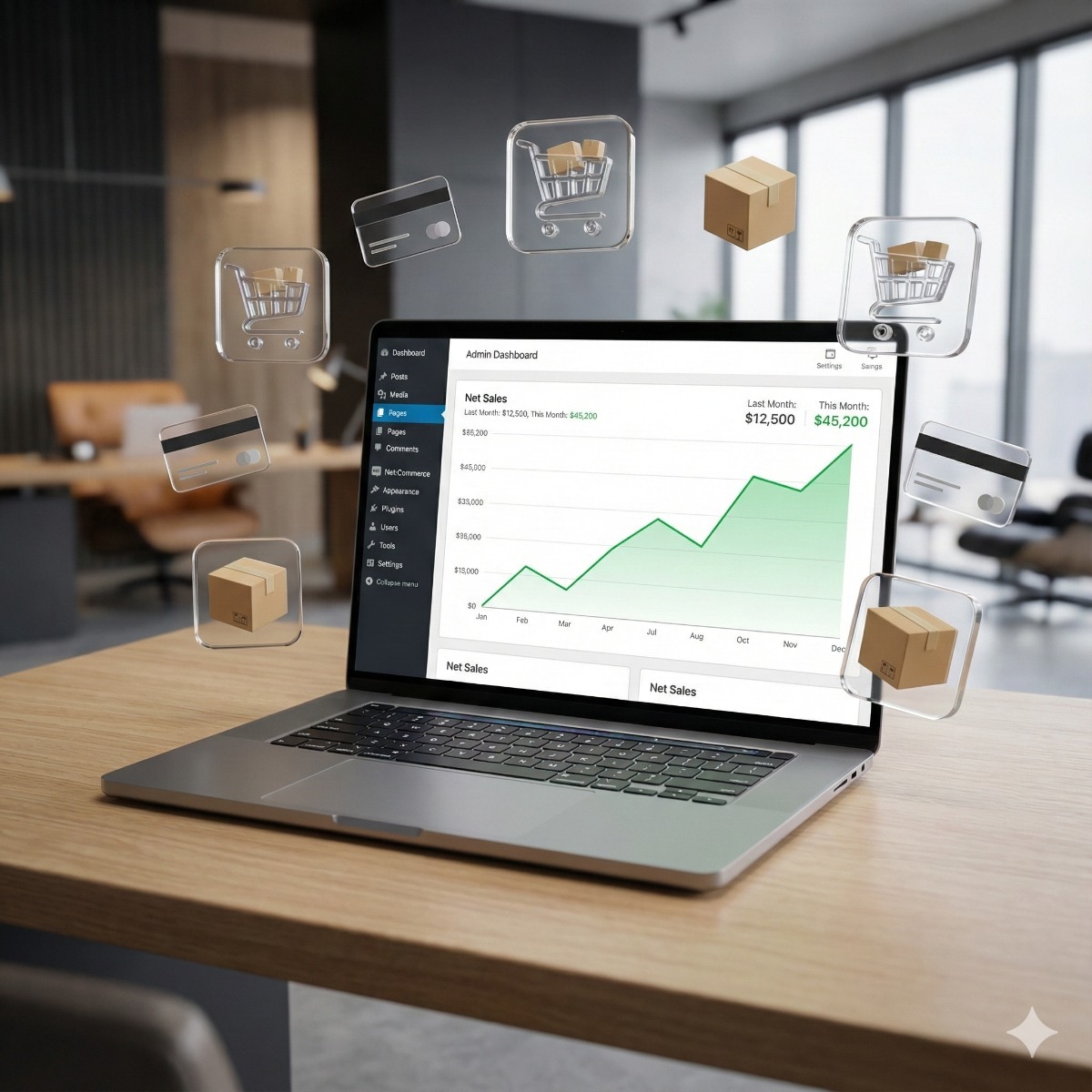




As a small business owner or office manager looking to establish an online presence, you're likely considering WooCommerce store development services as a way to create a customized e-commerce platform that meets your unique needs. With so many options available, it's essential to understand the benefits and requirements of custom WooCommerce development.
This article will guide you through the process of planning and building a successful WooCommerce store, covering key considerations such as payment gateways, tax calculations, performance optimization, and server security.
What is Custom WooCommerce Development?
Custom WooCommerce development refers to the process of building a tailored online store using the open-source e-commerce plugin for WordPress. This approach allows businesses to create a unique shopping experience that meets their specific needs and requirements.
- A custom WooCommerce solution gives you complete control over your store's design, functionality, and data.
- It enables seamless integration with other systems and software in your business stack.
- You own the code, customer data, and server, eliminating reliance on third-party platforms.
This tailored approach is distinct from using a pre-built e-commerce platform like Shopify or Wix, where you rent a store and are subject to their rules and limitations. With custom WooCommerce development, you can build a scalable, secure, and highly customizable online store that grows with your business.
Planning Your WooCommerce Project Step by Step
Before starting a custom WooCommerce development project, it's essential to have a clear understanding of your business needs and goals.
- Define your product catalog: Determine what types of products you will sell, including simple items, variable products, subscriptions, or digital goods.
- Choose the right payment gateways: Select from popular options like Stripe, PayPal, Authorize.net, or cryptocurrency gateways to integrate with your store.
- Set up tax calculation automation: Use services like TaxJar or Avalara to automate tax calculations and ensure compliance.
- Plan for inventory management: Decide how you will manage inventory levels, including syncing with a warehouse ERP or custom CRM.
- Consider server requirements: Determine the necessary server resources based on expected traffic and product catalog size.
Choosing the Right Payment Gateways and Tax Calculations
Choosing Payment Gateways for Your WooCommerce Store
Payment gateways are essential for processing transactions on your online store. We integrate popular options like Stripe, PayPal, and Authorize.net directly into your custom WooCommerce solution, ensuring seamless checkout experiences for customers. Each gateway has its own strengths: Stripe excels at subscription management, while PayPal offers one-click payments.
Tax Calculation Automation
WooCommerce stores must comply with tax laws in various regions. We set up automated tax calculation using trusted services like TaxJar and Avalara, which automatically apply the correct rates based on customer location. This ensures accurate invoicing and minimizes the risk of non-compliance, giving you peace of mind as your business expands across borders.
Optimizing Performance with Caching and Server Security
A slow WooCommerce store can lose sales and damage your reputation. We optimize performance with Redis Object Caching, which stores frequently accessed data in memory for instant retrieval. This reduces database queries and speeds up page loads.
Enterprise-Grade Server Security
We secure your server with enterprise-grade firewalls, regular patch management, and strict security rules to protect customer data. Our setup includes a web application firewall (WAF) that blocks common attacks like SQL injection and cross-site scripting (XSS). We also configure Varnish caching for static content delivery, which reduces the load on your server and improves page speed. This ensures your store is always available and secure, even under heavy traffic conditions.
For hands-on help with woocommerce store development services, take a look at our Custom WooCommerce Development page.
Woocommerce Store Development Services FAQ
How do I ensure my WooCommerce store is secure against cyber threats?
We secure your store with enterprise-grade firewalls, regular patch management, and strict server-side security rules to protect customer data. This includes protecting sensitive information like credit card numbers.
Can I integrate my existing ERP or CRM system with my WooCommerce store?
Yes, because WooCommerce is open-source, we can build custom API bridges to any software in your stack. This means you can sync inventory levels and push sales data automatically.
What happens if my store gets a lot of traffic suddenly – will it crash?
We stress-test the server to handle traffic spikes before launch, so your store remains fast even under heavy load. This includes setting up caching layers like Redis and Varnish to ensure instant product filtering and catalog loads.