
Business Intelligence & Looker Studio Dashboards
See the Picture.
Not just the Data.
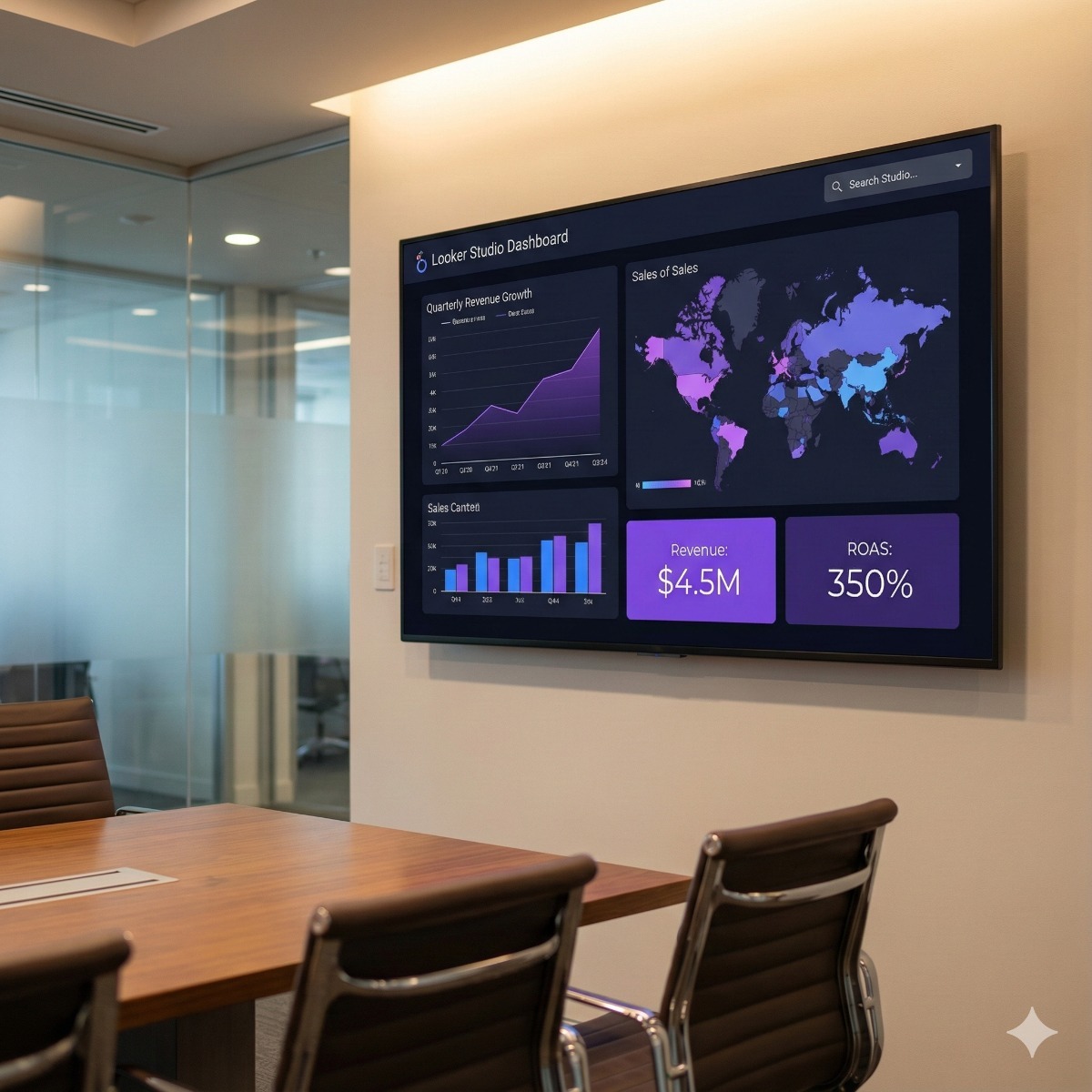
You don't need more spreadsheets. You need answers. We build interactive Looker Studio dashboards that consolidate your data from Google, Meta, and your CRM into a single, beautiful Command Center.
Data Blending
The magic happens when data connects. We blend your "Facebook Ad Spend" with your "Google Analytics Revenue" to give you a true "Total ROAS" (Return on Ad Spend) metric that neither platform can show you alone.
Live Visualizations
Stop paying employees to copy-paste numbers into Excel every Monday. Our dashboards are live. Filter by date, region, or product category instantly to see real-time performance trends.
Executive Sharing
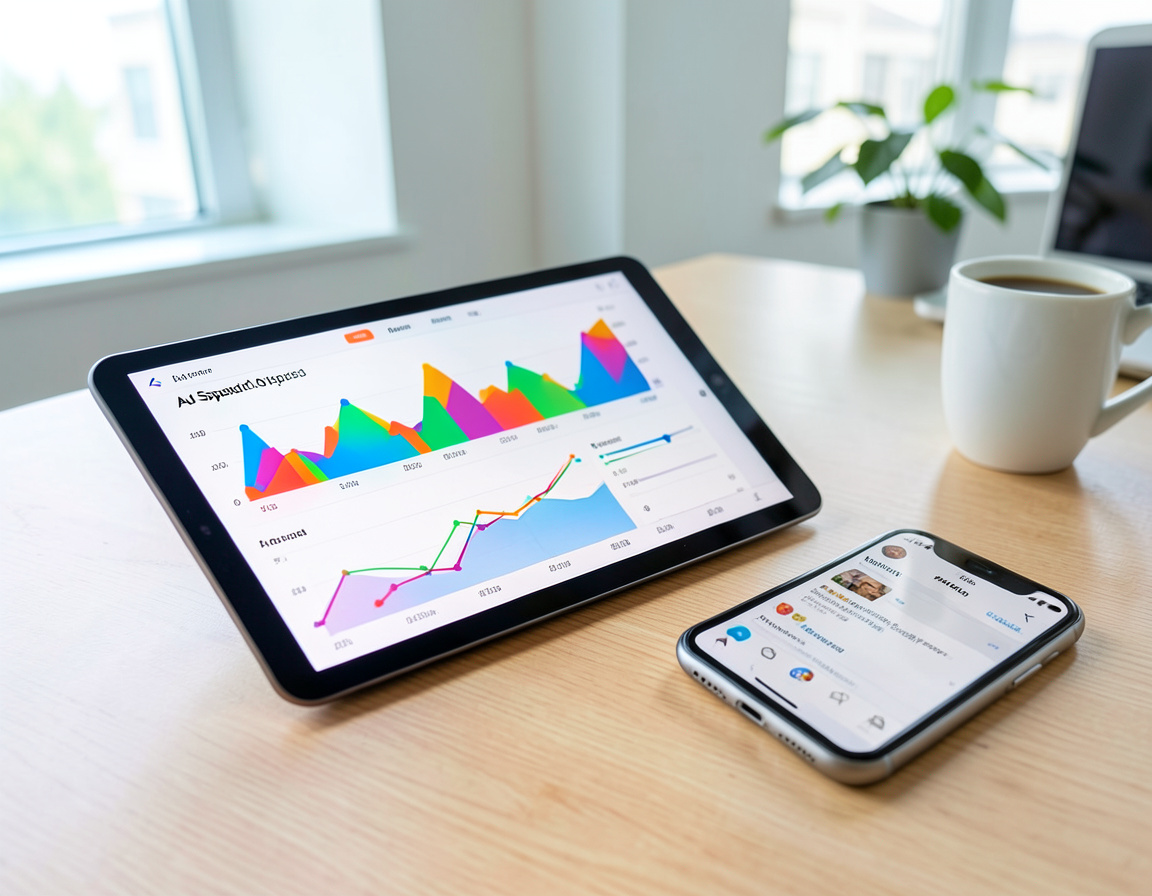
Keep stakeholders informed without giving them admin access to your accounts. Share a secure, read-only link with your CEO or clients. It works on tablets and mobile for on-the-go decisions.
The Build Process.
From raw data to refined insight.
KPI Strategy
We start with the business questions. "What keeps you up at night?" We define the Metrics that matter (e.g., Customer Acquisition Cost) rather than vanity metrics (e.g., Pageviews).
Connector Setup
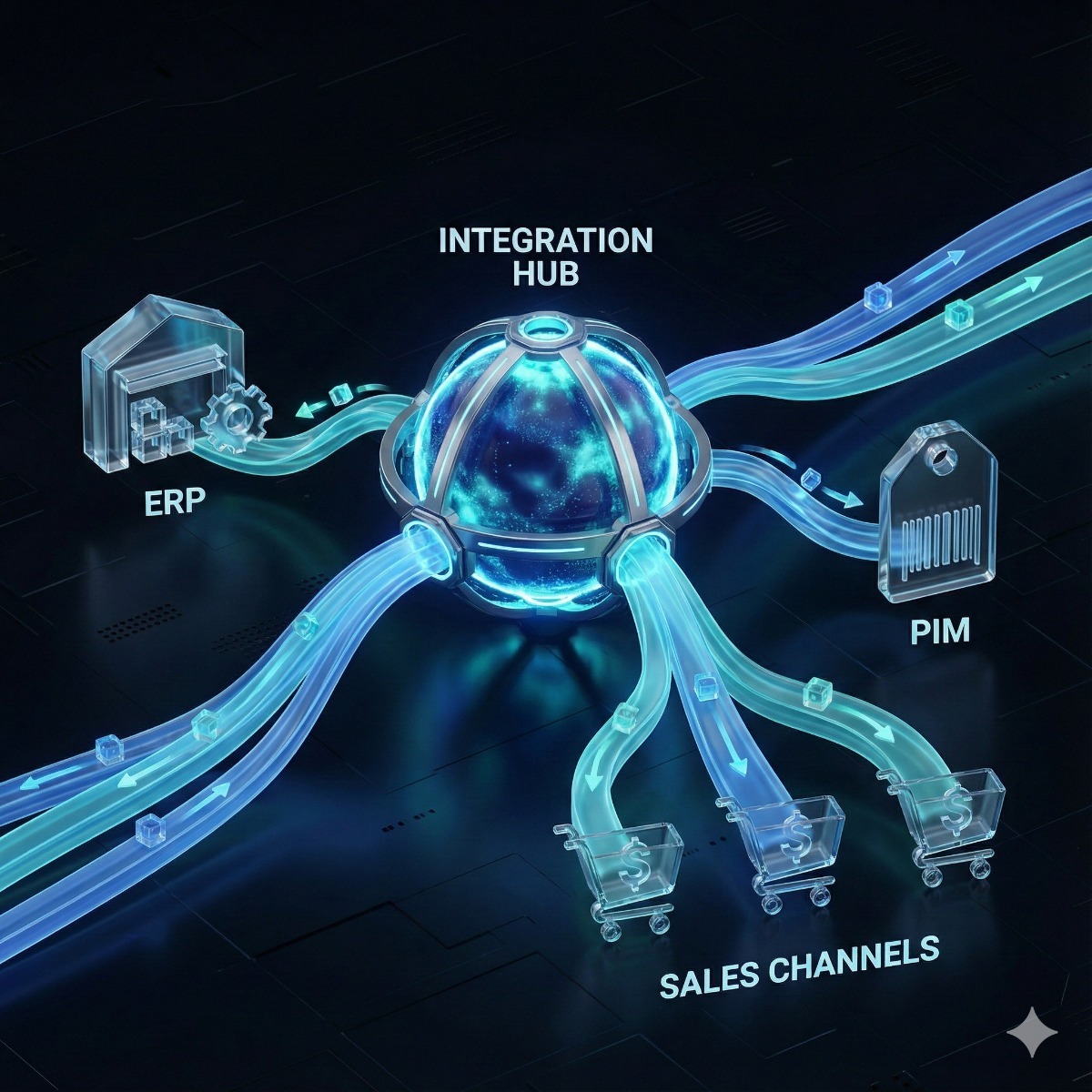
We connect your data sources. We use native Google connectors for GA4/Ads and specialized "Supermetrics" or "Power My Analytics" bridges for Facebook, LinkedIn, and Stripe.
Visual Design
Data should be beautiful. We apply your brand colors and design intuitive layouts—Scorecards at the top, Trends in the middle, and Granular Tables at the bottom.
Automation
We set up automated email delivery. Every Monday morning at 8:00 AM, a PDF snapshot of the dashboard lands in your inbox, ready for your weekly meeting.
Use Cases.
Dashboards for every department.


Technical Capabilities.
Advanced data handling.
Common Questions
Is the data real-time?
Yes, for most Google products (Ads, GA4) the connection is live. For third-party tools like Facebook, data typically refreshes hourly or daily depending on the API limits.
Can I export the data?
Absolutely. Every chart and table in Looker Studio has an "Export to Sheets/CSV" option, allowing your analysts to drill down deeper if needed.
Why dashboard numbers do not match, and how we deal with it
The most common reason company dashboards get ignored is that nobody trusts them. GA4 shows one revenue figure, the store shows another, and the ad platform claims more conversions than both. Most of these gaps have ordinary explanations, and we document them inside the report so the whole team reads the numbers the same way:
- Attribution. Ad platforms credit conversions to their own clicks, while GA4 applies its own attribution model across all channels.
- Time zones and currencies. Accounts set to different time zones or currencies count a day or an order differently.
- Consent and thresholds. Visitors who decline analytics cookies are modeled or missing, and GA4 may withhold rows with very small counts.
- Refunds and taxes. The store reports net figures while analytics shows gross, or the other way round.
Keeping large dashboards fast
Reports that pull GA4 data directly can hit API quota limits or load slowly once many people open them. For larger properties we use extracted data sources or the GA4 export to BigQuery, and we keep each page focused on a few questions instead of dozens of charts.
What to prepare for Business Intelligence & Looker Studio Dashboards
Viewer or editor access to GA4, Google Ads, Search Console and any other sources, a sample of the spreadsheet or report your team uses today, and the three to five decisions the dashboard should support.
Frequently asked questions about Business Intelligence & Looker Studio Dashboards
What is the difference between Looker Studio and Looker?
Looker Studio is Google's self-service reporting tool, widely used for marketing and sales dashboards. Looker is a separate enterprise platform in Google Cloud with a central data model, aimed at larger data teams. Most small and mid-sized businesses start with Looker Studio.
Do I need Looker Studio Pro?
Usually not. The Pro subscription adds team workspaces, company ownership of reports and Google Cloud support, which matter mainly when many people build and share reports. We tell you if your setup would benefit from it.
How long does it take to build a dashboard?
A single dashboard on well-configured Google sources comes together fairly quickly. It takes longer when tracking has to be repaired first, or when data comes from a CRM or store without a native connector.
Related services: GA4 and Google Tag Manager setup, AI-assisted data analysis and forecasts and conversion rate optimization and A/B testing.
Templates, custom builds and store data in Looker Studio
Looker Studio dashboard templates from the gallery are a quick way to see what is possible, but a template answers someone else's questions. The best Looker Studio dashboards start from the three to five decisions your team makes every week and show only the numbers behind them. Whether or not you began with a Looker Studio dashboard template, our Looker Studio dashboard services build from your KPIs, data sources and brand colors.
Store data needs extra care. To connect PrestaShop to Looker Studio or connect Magento to Looker Studio, there is no Google-built connector, so orders usually arrive through a database connection, a scheduled export to Google Sheets or BigQuery, or a third-party connector. Professional Looker Studio services should also explain why revenue in the report differs from the store; we document those reasons inside the report, so every dashboard Looker Studio refreshes is read the same way by the whole team.
| Manufacturer | Computer Service Breeze |
|---|






Related Posts
-


 A template can put a Looker Studio dashboard in front of your team in an afternoon, but templates rarely match how your business measures itself. Here is when a template is enough, when a custom...