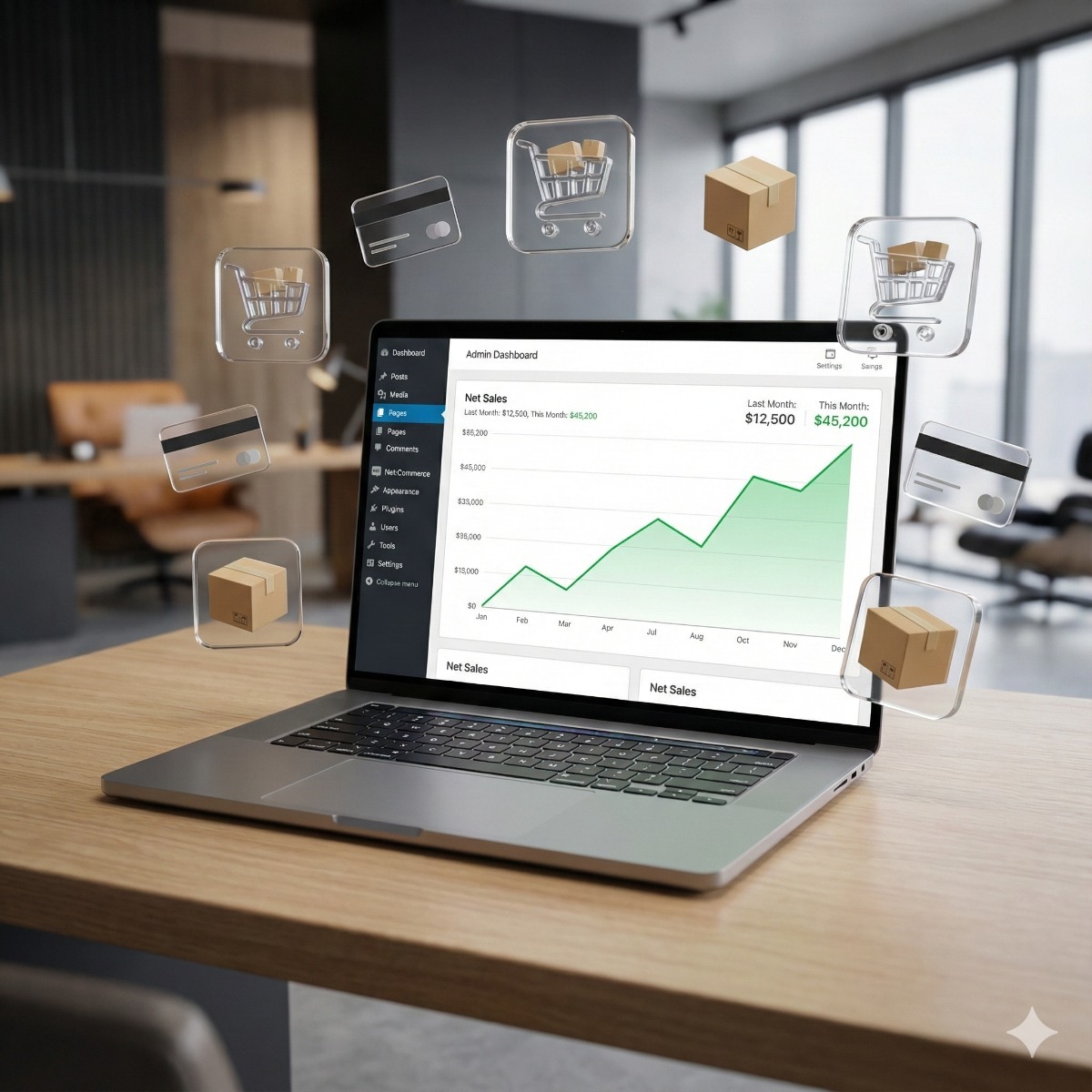
Most WooCommerce projects that run over budget do so for the same reason: important decisions were made halfway through the build instead of before it. Which plugins to trust, what the checkout must do, which systems the store must talk to and who will look after it later all shape the cost and the result. This guide covers what to settle before you hire a WooCommerce developer for custom WooCommerce development, so conversations with developers are specific and their quotes can be compared.
WooCommerce vs Shopify: settle the platform question first
If you are still deciding, the WooCommerce vs Shopify choice comes down to control against convenience.
| Question | WooCommerce | Shopify |
|---|---|---|
| Hosting | You choose and pay for hosting, or a developer manages it | Included in the subscription |
| Code and data | Open-source plugin for WordPress, with full access to code and database | Hosted platform, customized through themes, apps and APIs |
| Ongoing costs | Hosting, paid extensions, maintenance | Monthly plan, apps, and an extra transaction fee when you use an outside payment provider instead of Shopify Payments |
| Updates and security | Your responsibility or your developer's | Handled by the platform for the core |
WooCommerce tends to win when you need unusual product logic, deep integrations or full ownership of your data, and when someone will keep the site updated. Shopify tends to win when the catalog is simple and nobody wants to think about servers. Check each platform's current pricing, since plans change. If WooCommerce is your answer, our WooCommerce store development service is built around the points below.
What custom WooCommerce development usually covers
- Design and theme. A custom theme, or a child theme of a well-maintained one, so updates do not wipe out your changes.
- Product structure. Simple and variable products, bundles, made-to-order items and digital downloads.
- Checkout. Since WooCommerce 8.3, new stores use the Cart and Checkout blocks by default, and customizations are built for them rather than for the older shortcode checkout. Payment and shipping extensions must support whichever checkout the store uses.
- Integrations. Accounting, inventory, ERP, CRM, shipping carriers and marketplaces.
- Business rules. WooCommerce B2B features such as customer-specific prices, tax-exempt accounts, quote requests and payment on account, and recurring orders through WooCommerce Subscriptions, a paid extension from Woo.
WooCommerce plugins, extensions or custom code?
Almost anything in WooCommerce can be done with an existing plugin, which is both its strength and the cause of most slow, fragile stores. A useful rule: use well-supported WooCommerce extensions for common jobs such as payments, shipping labels and sales tax, and write custom code for rules that are specific to your business.
Before adding any of the WooCommerce plugins on your shortlist, check:
- When it was last updated, and whether it declares compatibility with High-Performance Order Storage, the default order storage for new stores since WooCommerce 8.2, and with the block checkout.
- Whether it duplicates something already installed.
- Whether the license is annual, and who is responsible for renewing it.
- What happens to your data if you remove it later.
WooCommerce hosting requirements
As of September 2026, the WooCommerce server requirements recommend PHP 8.3 or greater, MySQL 8.0 or greater or MariaDB 10.6 or greater, a WordPress memory limit of 256 MB or more, and HTTPS. Treat those figures as the floor. A store with many products, orders or logged-in customers also benefits from an object cache, a staging copy for testing updates and backups stored away from the server. Agree before launch who applies updates and how often.
Write a WooCommerce project brief
A WooCommerce project brief of one or two pages makes quotes comparable and shortens the build. Include:
- The number of products and variations, with a sample spreadsheet.
- The payment providers and methods you want to offer.
- Shipping rules, package sizes and the states or countries you ship to.
- Where you collect sales tax today.
- The systems the store must exchange data with, and in which direction.
- Three stores you like, and what you like about them.
- Who will add products and process orders after launch.
Questions to ask before you hire a WooCommerce developer
A brief tells the developer what you need; the answers to a few questions tell you how they work. Useful questions to ask a WooCommerce developer:
- Where will the site be built and tested, and will we get a staging copy after launch?
- Who will own the code, the domain and the hosting account?
- Which parts will use existing extensions, and which will be custom code?
- How are WordPress, WooCommerce and plugin updates handled after launch, and by whom?
- What documentation and admin training will we receive?
The same questions help when you weigh custom WooCommerce development services against a template-based setup, or compare several WooCommerce store development services with each other.
Frequently asked questions: hire a woocommerce developer
How much does custom WooCommerce development cost?
It depends on the size of the catalog, the number of integrations, how much of the checkout changes and how much design work is involved. A clear brief and a staged plan, with the essentials first and extras later, keep the cost predictable. Ask for quotes that price these parts separately.
Do we own the code of a custom WooCommerce store?
WordPress and WooCommerce are open-source software, so there is no platform account that can be closed on you. Ownership of the custom theme and plugins written for you depends on your contract, so make sure the contract says so and that you receive the code and admin access.
Can one WooCommerce store serve both retail and wholesale customers?
Yes. Customer roles can see different prices, minimum quantities and payment options, and tax-exempt business accounts can be handled separately. Keep the retail checkout simple and put the wholesale rules behind the account login.
Ready to plan a store? Our custom WooCommerce development page explains how we work, from catalog strategy to launch and training, and moving from another platform is covered under e-commerce re-platforming. Contact us with your brief, or with the questions above, and we can talk through the options.