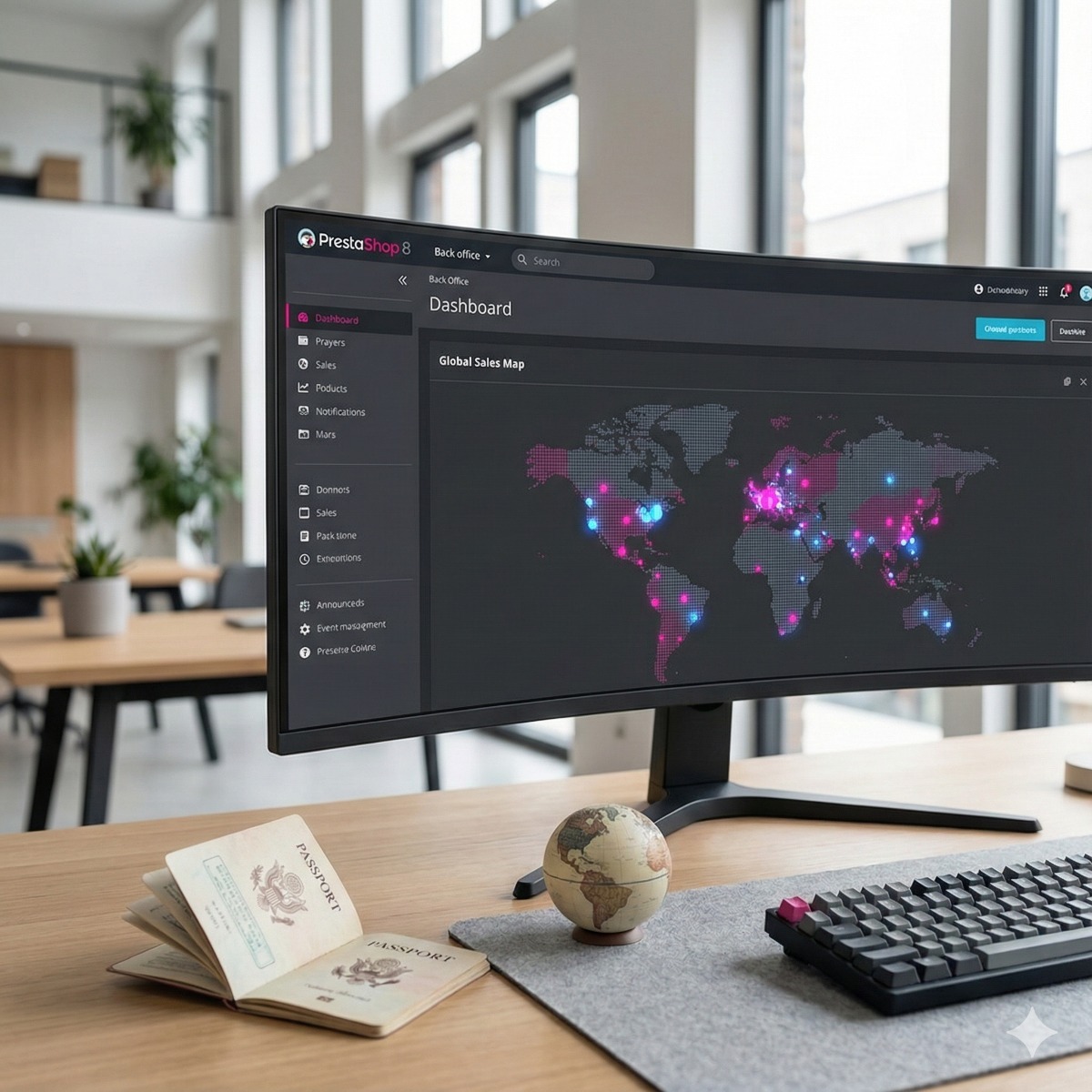
PrestaShop was built with several languages and currencies in mind, which is one reason many European and international merchants use it. Turning an existing shop into an international PrestaShop store still involves much more than translating product pages: prices have to make sense in each currency, taxes follow the rules of the customer's country, shipping costs and duties must be clear before checkout, and search engines need to know which version of a page belongs to which market. This guide walks through each part in a sensible order.
Planning an international PrestaShop store: one shop, multistore or separate sites
Start with structure, because it is the hardest thing to change later.
- One shop with several languages and currencies when the catalog and prices are largely shared and one team runs everything.
- Multistore, built into PrestaShop, when each country needs its own domain, product selection, prices or design, but you still want one back office.
- Separate installations when countries have different teams, catalogs and suppliers and little in common beyond the brand.
The trade-offs of multistore are covered on our PrestaShop development page; the rest of this guide applies whichever structure you choose.
Languages, URLs and hreflang
A PrestaShop localization pack, imported from the International section of the back office, adds a country's language, currency, taxes and units in one step. Treat it as a starting point rather than a finished setup, and review every tax rule it creates.
Translation comes in two layers. Interface texts such as buttons, emails and checkout messages come with the language packs and can be edited in the back office. Product names, descriptions, categories and content pages have to be translated for each language, ideally by someone who knows how customers in that market search. With more than one language active, PrestaShop adds a language code to URLs, such as /fr/ or /de/, and the friendly URL of each product and category can be translated as well.
Search engines need PrestaShop hreflang annotations to connect the language versions of each page, so that a French visitor is shown the French URL. Some themes output them, others need a module or a template change. Check the source of a product page in each language and make sure every version lists all the others and itself.
Prices and PrestaShop multi-currency
PrestaShop multi-currency support lets customers switch currency, with prices converted from the default currency at exchange rates you update manually or on a schedule. Converted prices produce odd amounts, so decide on rounding, and set specific prices per currency or country where a clean price matters. Two checks are often missed: whether each payment module actually accepts every currency you display, and whether the currency shown is also the currency charged. A mismatch confuses customers and leads to disputes.
Taxes: PrestaShop tax rules and the EU VAT One-Stop Shop
PrestaShop tax rules are organized in groups assigned to products; each group holds a rate per country and, for some countries, per state. How you fill them in depends on where you are established and where you sell, so treat the points below as background for a conversation with your accountant, not tax advice.
- Selling within the EU. Since July 2021, businesses established in the EU charge the customer's country's VAT on consumer sales once their cross-border sales pass an EU-wide threshold of EUR 10,000 a year, and can report them through the EU VAT One-Stop Shop instead of registering in every country.
- Shipping into the EU from outside it, for example from California. The goods are imports; low-value consignments can use the separate Import One-Stop Shop, and the EU has announced the removal of its EUR 150 customs duty exemption for low-value parcels, so check the current rules before you set prices.
- United States sales tax is set by each state, and many localities add their own rates. Built-in rules can cover simple cases; stores with obligations in many states often connect a tax calculation service instead.
Shipping and duties: PrestaShop carriers and zones
PrestaShop carriers and zones work together: countries are grouped into zones, and each carrier is enabled for certain zones with its own price ranges by weight or order total. For cross-border ecommerce, add the details that prevent returned parcels:
- Customs data on every product: the harmonized system (HS) code, country of origin and a clear description.
- A decision on duties. Delivered duty paid (DDP) means the customer pays nothing on arrival; delivered at place (DAP) means the courier collects duties and taxes at the door, which surprises customers and leads to refused deliveries.
- Phone number and email required for international addresses, since carriers need them for customs.
- Live carrier rates and labels through an API rather than static tables, which our shipping API integration service covers.
Check the version before you expand
PrestaShop 9, released in June 2025, is the current major version. It is built on Symfony 6.4 and runs on current PHP 8 releases; the official system requirements list the exact PHP versions for each 9.x release. A store still on 1.6 or an early 1.7 release depends on PHP versions that no longer receive security fixes, and expanding it into new markets multiplies that risk. Upgrading first usually costs less than maintaining workarounds in every new market.
Frequently asked questions: international prestashop store
Can one PrestaShop store sell in several currencies?
Yes, currencies are part of the core. The points to check are rounding, payment module support and whether prices should be converted automatically or set per currency.
Do we need a separate domain for each country?
No. Language folders such as /fr/ on one domain are the simplest to run. Country domains can make sense for strong local brands but call for multistore or separate shops. Either way, hreflang tells search engines which version is meant for which market.
What should we look for in a PrestaShop developer for an international store?
Experience with multistore and localization, a habit of testing with real addresses, taxes and currencies from each market, and custom modules that follow PrestaShop's module system instead of editing core files, so that upgrades remain possible.
Planning to sell abroad, or moving an older shop to PrestaShop 9 first? Our PrestaShop development services cover migrations, multistore setup, theme design and custom modules for ERP systems and carriers. Get in touch with the countries you want to sell in and the version you run today, and we can outline the steps.