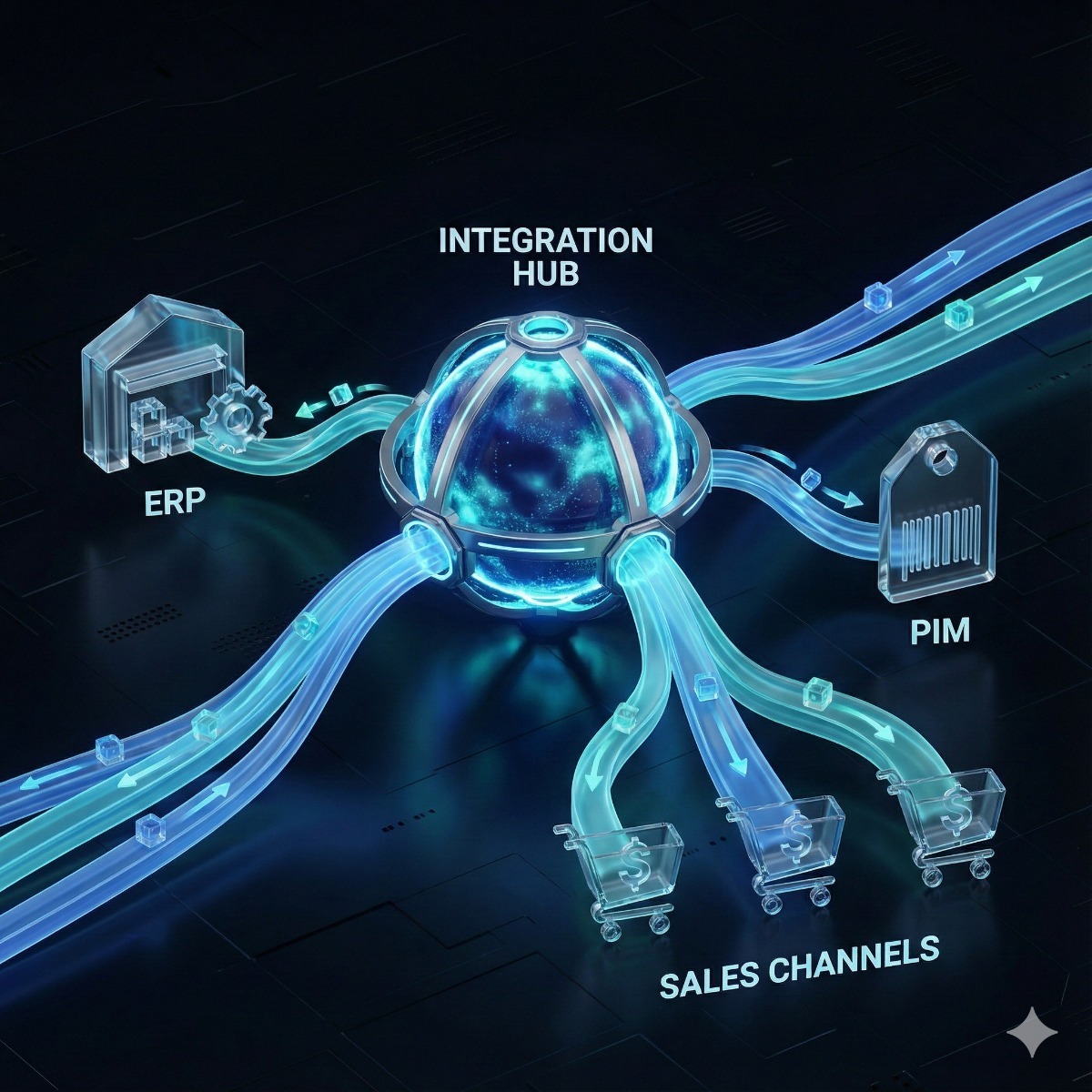
Most growing online stores reach the same point: orders are keyed into the ERP by hand, stock levels are copied from a spreadsheet, and prices on the website drift away from the price list. An ERP ecommerce integration fixes that, but the connector is the smaller part of the job. The decisions that make or break the project are about data: which system owns what, how fields translate between systems, how often each kind of data moves and what happens when something fails. This checklist covers those decisions so they are made before any code is written.
Decide the system of record for each kind of data
Every piece of data needs exactly one system of record, the place where it is created and corrected; the other systems receive copies. A typical split looks like this:
| Data | Usual system of record | Direction |
|---|---|---|
| Item numbers, cost, base prices | ERP | ERP to store |
| Descriptions, images, attributes | PIM or the store | PIM to store and other channels |
| Stock levels | ERP or warehouse system | ERP to store, frequently |
| Web orders and payments | Store | Store to ERP |
| Shipments and tracking | ERP or warehouse system | ERP to store |
| Invoices, credit notes, credit limits | ERP | ERP to store, where customers need to see them |
| Customer accounts | Store for consumers, ERP for B2B accounts | Agreed field by field |
When two systems both believe they own a field, the integration will sooner or later overwrite someone's work.
Data mapping takes longer than anyone expects
Data mapping is where most of the effort goes, because systems describe the same things differently:
- Identifiers: SKUs, ERP item numbers and variant IDs, and what happens when one is renamed.
- Variants: the store may treat a shirt in five sizes as one product with options, while the ERP holds five separate items.
- Units of measure: the store sells single pieces, the ERP stocks boxes of twelve.
- Codes: shipping methods, payment methods, tax codes, customer groups and state or country codes, each translated to the ERP's own values.
- Money: discounts at order level or line level, rounding, shipping as a separate line, and gift cards.
Write the mapping down as a table, field by field, and have someone from operations sign it off. The same table becomes the test plan.
Order sync, stock and prices: real-time vs batch sync
Not everything needs to move instantly, and the real-time vs batch sync decision is made per data type:
- Order sync: as close to real time as possible, triggered by the store's order event or webhook, so the warehouse can start picking.
- Stock: frequent updates of what changed, plus a scheduled full comparison, often nightly, to catch anything missed.
- Prices and product data: on change or in a nightly batch, depending on how often they change.
ERP APIs often limit how many requests can run at once, so a design that copes with fifty orders a day can stall during a sale. Test with realistic peaks, not a quiet Tuesday.
B2B needs: customer-specific pricing and terms
Wholesale customers expect their own price lists, contract prices, payment terms and credit limits online. Customer-specific pricing can be copied into the store in advance or requested from the ERP when the customer views a product. Copying is faster for visitors but can mean very large price tables; asking the ERP live is always current but depends on its speed and availability. Many B2B stores combine the two: price lists copied nightly, credit limits and open invoices fetched live.
Integration error handling and monitoring
Integrations fail in ordinary ways: an ERP restart, an unknown state code, a product that exists in one system but not the other. Good integration error handling means:
- Retries with growing delays for temporary failures.
- Protection against duplicates, so a retried order is not created twice in the ERP.
- A queue of failed records with the reason, visible to staff, and a way to reprocess them after a fix.
- Alerts to a named person when failures cross a threshold, not only lines in a log file.
- Orders that keep being accepted while the ERP is down, and flow in once it is back.
ERP ecommerce integration options: connector, iPaaS or custom service
A ready-made connector is quickest when both systems are common and your processes are standard. An iPaaS (integration platform as a service, such as Celigo or Jitterbit) adds visual mapping, scheduling and monitoring for a subscription. A custom service fits unusual rules best but costs more to build and to own. Whichever you choose, use the ERP's current interfaces. Oracle, for example, recommends SuiteTalk REST web services with OAuth 2.0 for new NetSuite integrations and has published a plan to retire its SOAP web services, while SAP Business One web integrations usually go through its Service Layer API. Our ERP and PIM integration page explains how we weigh these options.
An ERP integration checklist for the kickoff meeting
- A system of record agreed for every data type.
- A field-by-field mapping signed off by operations.
- Sync timing agreed per data type, with expected peak volumes.
- Error handling, alerts and named owners.
- Test cases taken from real orders, including returns, partial shipments and cancellations.
- A cutover plan: opening stock, open orders and the date the manual process stops.
Frequently asked questions: erp ecommerce integration
Can we integrate an ERP that has no API?
Often, yes, through scheduled file exchange: the ERP exports and imports CSV or XML files, or EDI documents, through a secure folder. It is less immediate than an API but reliable when built with the same error handling. Writing directly into the ERP's database is rarely a good idea.
What happens to orders if the ERP is down?
The store keeps selling. Orders wait in a queue and are sent when the ERP is back, which is why queueing and duplicate protection matter.
Is a PIM part of an ERP integration?
Not necessarily. A PIM earns its place when many people edit product content or you sell in several channels or languages; otherwise the ERP and the store's own catalog may be enough.
Connecting your store to NetSuite, SAP Business One, Microsoft Dynamics or another ERP? Our ERP and PIM integration service covers data mapping, middleware, inventory synchronization and validation rules. Shipping systems usually join the same flow, and our shipping API integration work covers that part. Contact us with your ERP, your store platform and your typical order volume, and we can outline the integration.