
A service business website has one job: turn a visitor into a phone call, a booking or a quote request. Plumbers, law offices, clinics, marine technicians and consultants all share that goal, yet many sites are built around a template rather than around how customers actually choose a provider. The best way to get a site that works is to prepare before the first meeting with a designer. This guide covers what to gather and decide if you are comparing options for small business website design Long Beach providers offer, or anywhere else in the LA area.
Start With Goals, Not Colors
Write down what a successful website does for you. Be specific:
- What is the main call to action: call, book online, request a quote or visit the office?
- Which services bring in the most profitable work, and should be easiest to find?
- Which areas do you serve, and which ones do you want more of?
- What questions do customers ask on every call that the site could answer first?
These answers guide layout, page order and even photo choices. A designer who hears them early will make better decisions than one who starts from a color palette.
Build a Simple Page List
Most service sites need fewer pages than people expect, but each one should have a clear purpose:
- Home: who you are, what you do, where you work, and the next step.
- One page per main service: what is included, who it is for, typical process and common questions.
- About: the team, history and what makes you different.
- Service areas: only if you have genuinely distinct content for each area.
- Reviews or case studies: real examples, with permission.
- Contact: form, email, address or service area, hours and a map if customers visit.
- Privacy policy and any other required notices.
Prepare Content and Photos
Content is the most common reason website projects stall. Designers can build pages quickly; waiting weeks for text and images is what delays launch. Gather these early:
- Short descriptions of each service in your own words. A copywriter can polish them, but the details must come from you.
- Answers to frequent customer questions.
- Real photos of your team, vehicles, workspace and finished work. Stock photos rarely build trust for a local business.
- Your logo in the best available format, and any brand colors or fonts already in use.
- Permission from customers before using their names, reviews or project photos.
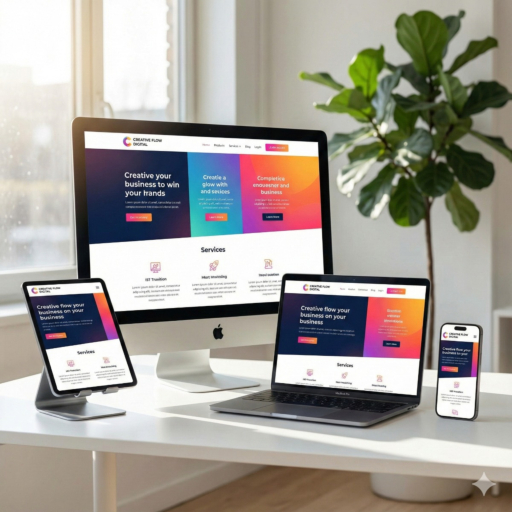
Mobile-First and Responsive Website Design
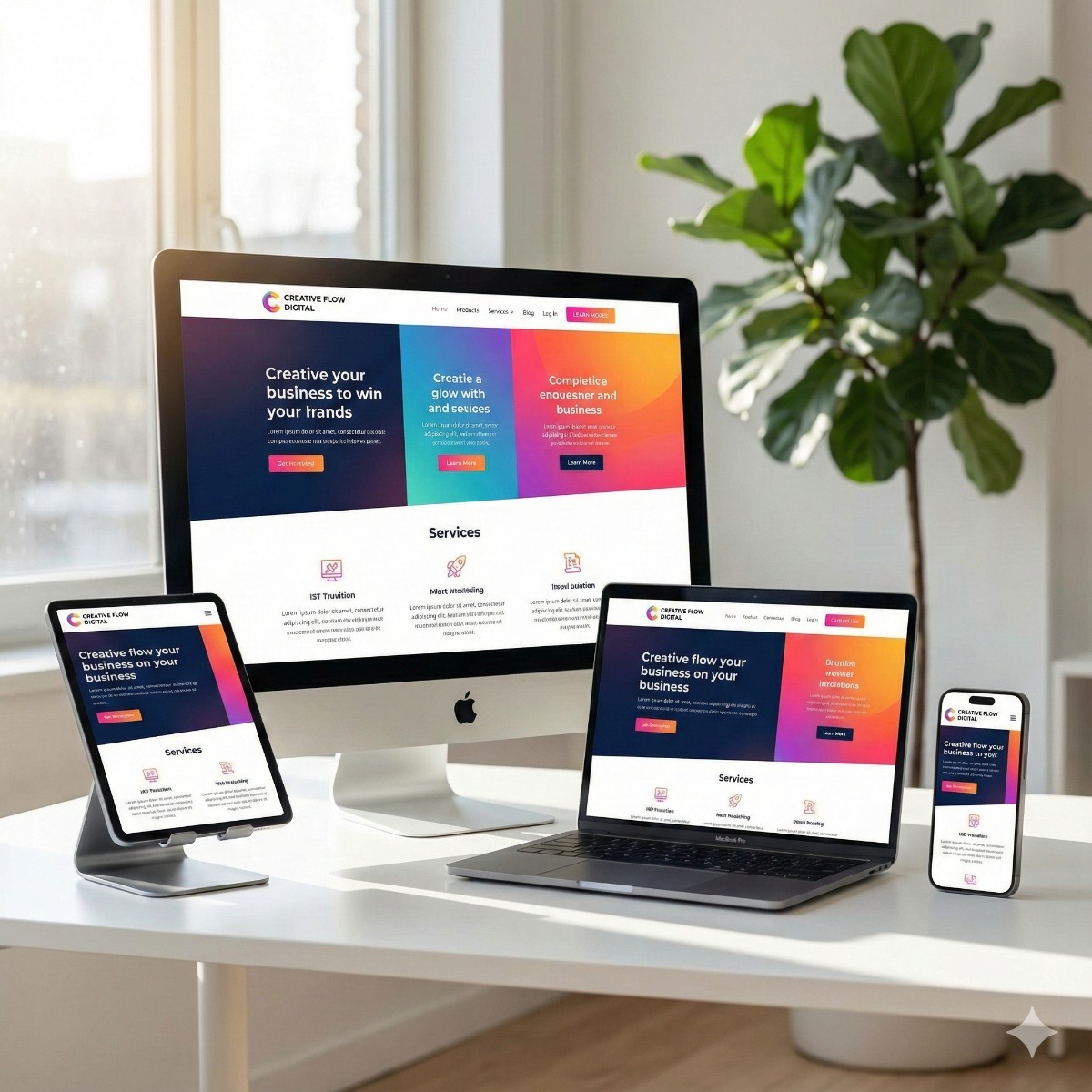
For most service businesses, the majority of visitors arrive on a phone, often while standing next to the problem they need solved. Responsive website design means the layout adapts cleanly to any screen, but it should also be planned for mobile first:
- A tap-to-call button and a short contact form that are easy to reach.
- Readable text without zooming, and buttons large enough for thumbs.
- Key information near the top: services, area, and how to get in touch.
Speed and accessibility basics
Ask for properly sized, compressed images, a minimum of plugins and scripts, and a quick-loading hosting setup. Accessibility matters too: sufficient color contrast, descriptive image text, headings in logical order and forms that work with a keyboard and screen reader. These choices help real visitors and search engines at the same time.
Own Your Domain, Hosting and Accounts
This is the point business owners regret most often. Make sure the domain is registered in the business's name, in an account you control at the domain registrar, with your own email as the contact. Do the same for hosting, analytics, Google Business Profile and any email service. Your designer can have access as a user, but the business should hold the keys. If the relationship ends, you keep the website.
Who Edits the Site After Launch?
Decide upfront whether your staff will update pages, add news or change hours, or whether you will send changes to the designer. That choice affects the platform, how pages are built and what training you need. Also plan for maintenance: software updates, backups and security checks do not stop after launch.
Hire a Web Designer Checklist
Use this hire a web designer checklist when comparing proposals for web design for small business Los Angeles or Long Beach companies:
- Can they show recent service business sites and explain what those sites were meant to achieve?
- Will the business own the domain, hosting, design files and content?
- What is included: copywriting, photography, basic search optimization, analytics setup?
- How many revision rounds are included, and what happens after that?
- Who handles updates, backups and security after launch?
- Will your team be trained to make simple edits?
If you already have a site, the same lists work as a website redesign checklist: compare what exists against your goals, keep pages that perform, and fix the gaps rather than starting blindly from scratch.
We build professional, responsive and mobile-friendly website design for service businesses, and we are happy to review your preparation notes before any build begins. Good preparation is the difference between small business website design Long Beach customers respond to and a site that simply exists.
Website Planning FAQ
Do we need to write all the content ourselves?
No, but you need to supply the facts: services, process, area and answers to common questions. A writer can shape them into clear pages; nobody else knows your business details.
Should every city we serve get its own page?
Only if each page has genuinely useful local content. Near-identical pages with swapped city names add little value and can hurt search performance.
Can we move our site to a new designer later?
Yes, if the business owns the domain, hosting and site files. Confirm this in writing before the project starts.