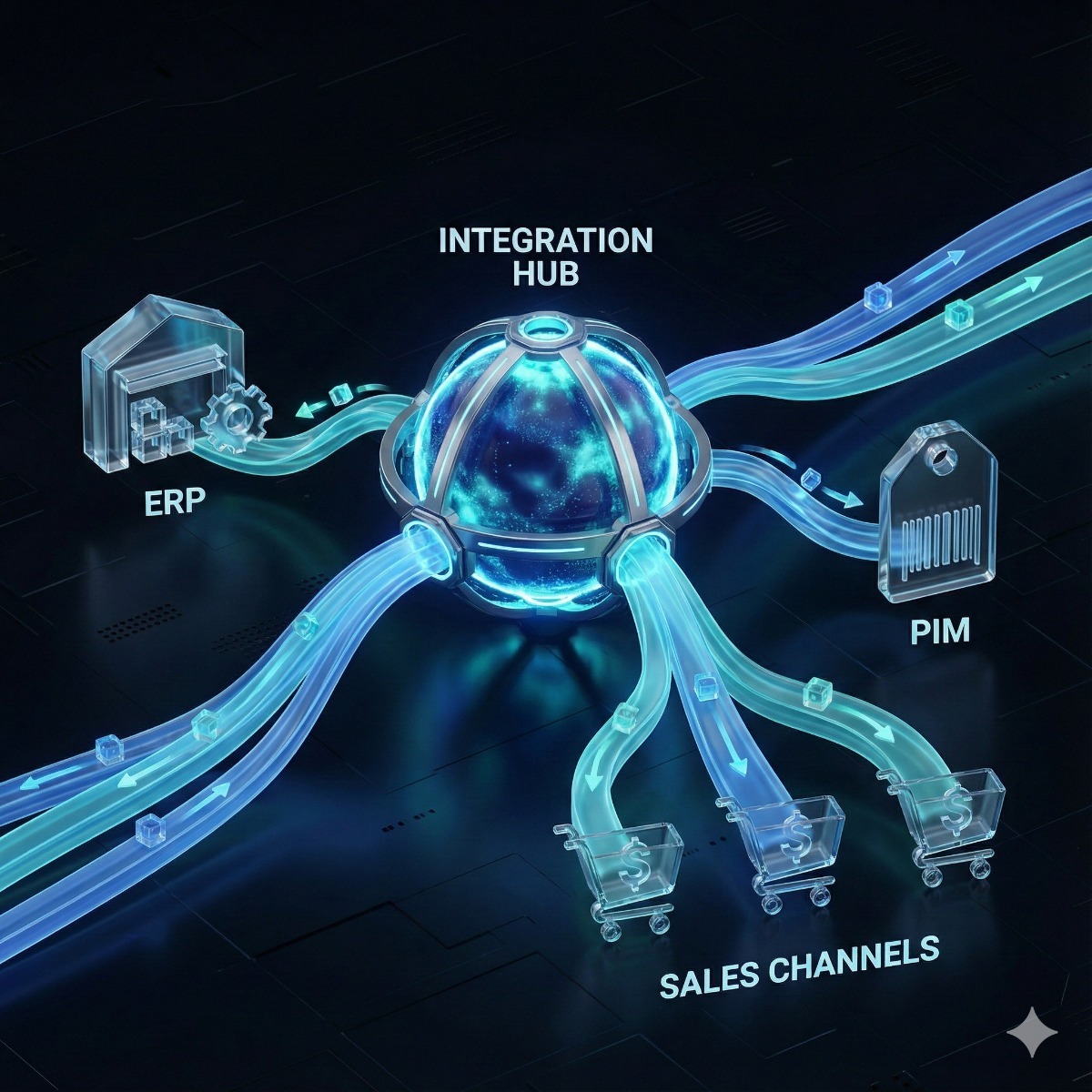
Once a business runs more than a few online tools, someone asks why every order in the store has to be typed into the accounting system by hand. There are two ways to connect them: an integration platform with ready-made connectors, or custom API integration written for your systems. Both work. The right choice depends on volume, on how much can go wrong and on who will look after the connection a year from now.
What no-code integration platforms do well
Platforms such as Zapier, Make and n8n offer no-code integration: pick a trigger in one app and an action in another, then map the fields between them. For many small jobs this is the right answer:
- Low volume, such as a few dozen new leads a day copied into a CRM.
- One-way flows with simple mapping: a form submission becomes a task, a paid invoice posts a message to the team.
- Apps with well-maintained connectors on the platform.
- Workflows that someone in the business can adjust without a developer.
These platforms are, in effect, API integration software sold as a subscription, and they are the quickest way to find out whether an automation is worth having at all.
Where no-code starts to strain
- Task-based pricing. Most platforms bill by the number of tasks or operations. A workflow that runs for every order line or stock change can become expensive as the business grows.
- Rate limits. APIs limit how many requests a client may send, often answering with HTTP status 429, Too Many Requests, defined in RFC 6585. A busy day can push a workflow into those limits, and not every connector waits and retries sensibly.
- Two-way sync. Keeping customers or stock identical in two systems means deciding which one wins when both change. Connectors built around one-way triggers handle that poorly.
- Error handling. A failed step may show up in the platform's history and nowhere else, so a missing invoice is noticed at month-end.
- Missing fields. Prebuilt connectors expose the common fields; tax codes, custom attributes or line-level data may not be available.
- Sprawl. Thirty small workflows built by different people over two years, with no documentation, become an undocumented system of their own.
When custom API integration is worth it
Custom work makes sense when the connection is part of how the business runs rather than a convenience:
- Volume is high or growing, and per-task pricing no longer adds up.
- Data must stay consistent in both directions, with a clear system of record for customers, products, prices and stock.
- The software has an API but no ready-made connector, or the connector lacks the fields you need.
- Failures have consequences: orders not shipped, invoices not issued, stock oversold.
- You need logs, alerts and retries you can inspect, with credentials held in your own accounts.
API development and integration of this kind is a small software project. It needs a field mapping, testing against sandbox accounts and monitoring after launch, which is how our API integration work is organized. Some vendors call it API connectivity services or middleware; the label matters less than the logging and alerts. Much of the API development Los Angeles companies ask for is not a new public API at all, but a dependable connection between a store, a CRM, an accounting package and a shipping service. For carrier rates, labels and tracking specifically, see shipping API integration.
A hybrid is often the answer
The choice is rarely all or nothing. A common pattern is custom code for the core flows, such as orders, invoices and stock, with a no-code platform kept for small notifications and one-off tasks that staff like to adjust themselves. Some platforms can also be self-hosted, which keeps data and credentials on your own server. What matters is that someone knows where every connection lives, which account it uses and who is told when it fails.
Questions to settle before choosing
Whether you hire API integration services or build in-house, answer these first:
- How many records move per day, and how many in the busiest hour?
- Does data flow one way, or must both systems stay in step?
- Which system is the master record for each type of data?
- What happens if the connection is down for an hour, a day or a week?
- Who will maintain it, and who receives the alert when something fails?
- Where do API keys and OAuth grants live? They should be created in your own accounts, not a contractor's.
Frequently asked questions: custom api integration
Can a no-code workflow be replaced by custom code later?
Yes, and it is a sensible path. A workflow that has run for months documents the real requirements: which fields matter, how often it runs and where it fails. That makes the custom version quicker to specify.
Is custom integration more secure than a no-code platform?
Not automatically. A platform concentrates many credentials in one account, so protect that account with strong sign-in and limit who can edit workflows. A custom integration keeps credentials on your own server, which only helps if that server is maintained.
What should an integration log?
Every exchange: what was sent, when, the response and any error, with enough detail to replay a failed record. Personal and payment data should be masked in the logs, and alerts should go to a named person rather than a shared inbox nobody reads.
Connecting a store, CRM, accounting or shipping software? Our API integration service maps the data between systems, handles authentication, rate limits and retries, logs every exchange and tests with sandbox accounts before going live. Tell us which systems are involved and what should happen when a new order, customer or invoice appears.