Computer Services

From a single laptop that will not start to an office full of PCs, we keep everyday computers fast, secure and backed up. Drop-off, on-site and remote options are available for San Pedro, Long Beach and nearby areas [DO POTWIERDZENIA].
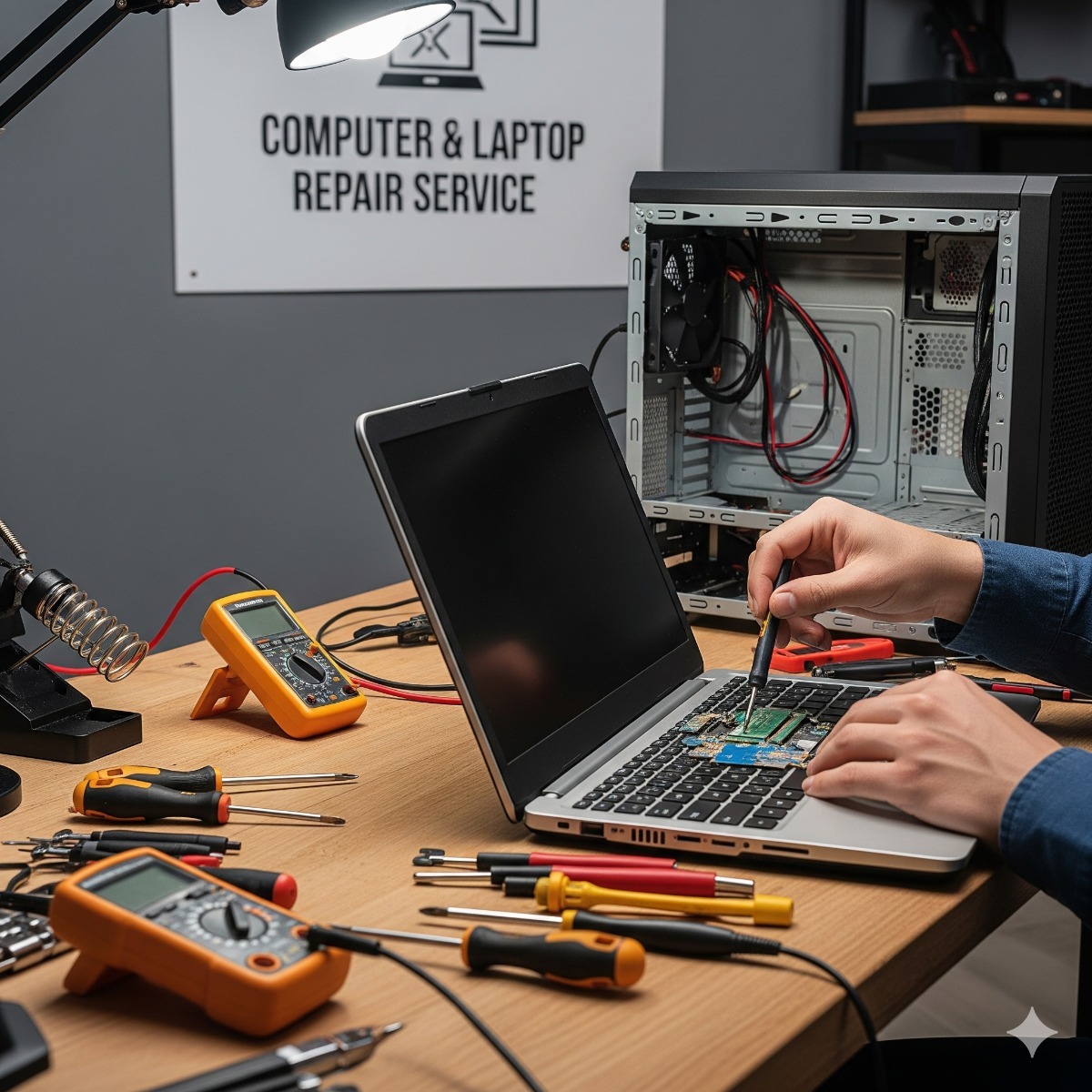
- Computer & laptop repair – diagnostics, parts replacement, virus removal and data rescue.
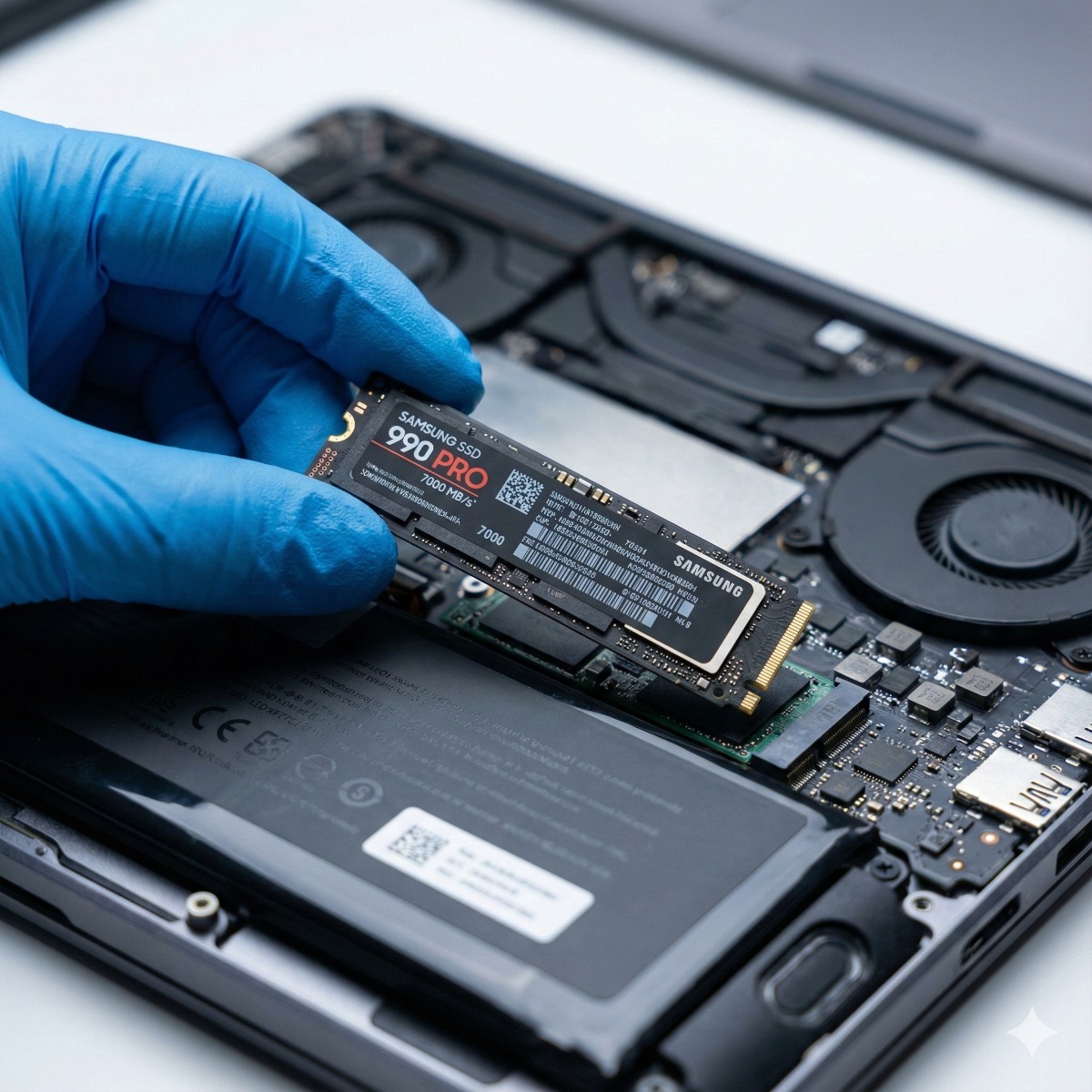
- SSD & RAM upgrades – make an older machine feel new instead of replacing it.
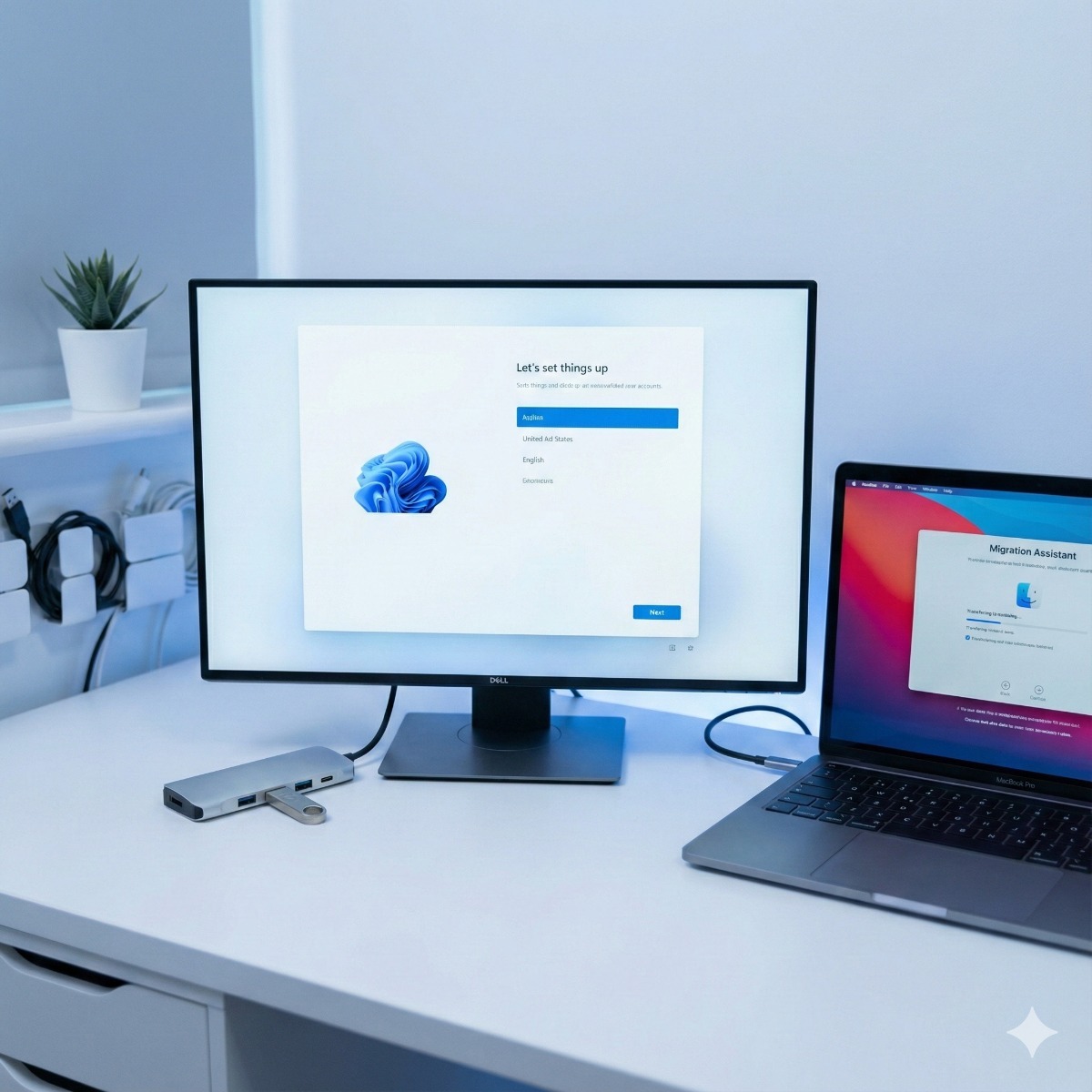
- Windows 11 & macOS clean installs – no bloatware, drivers installed and data moved over.
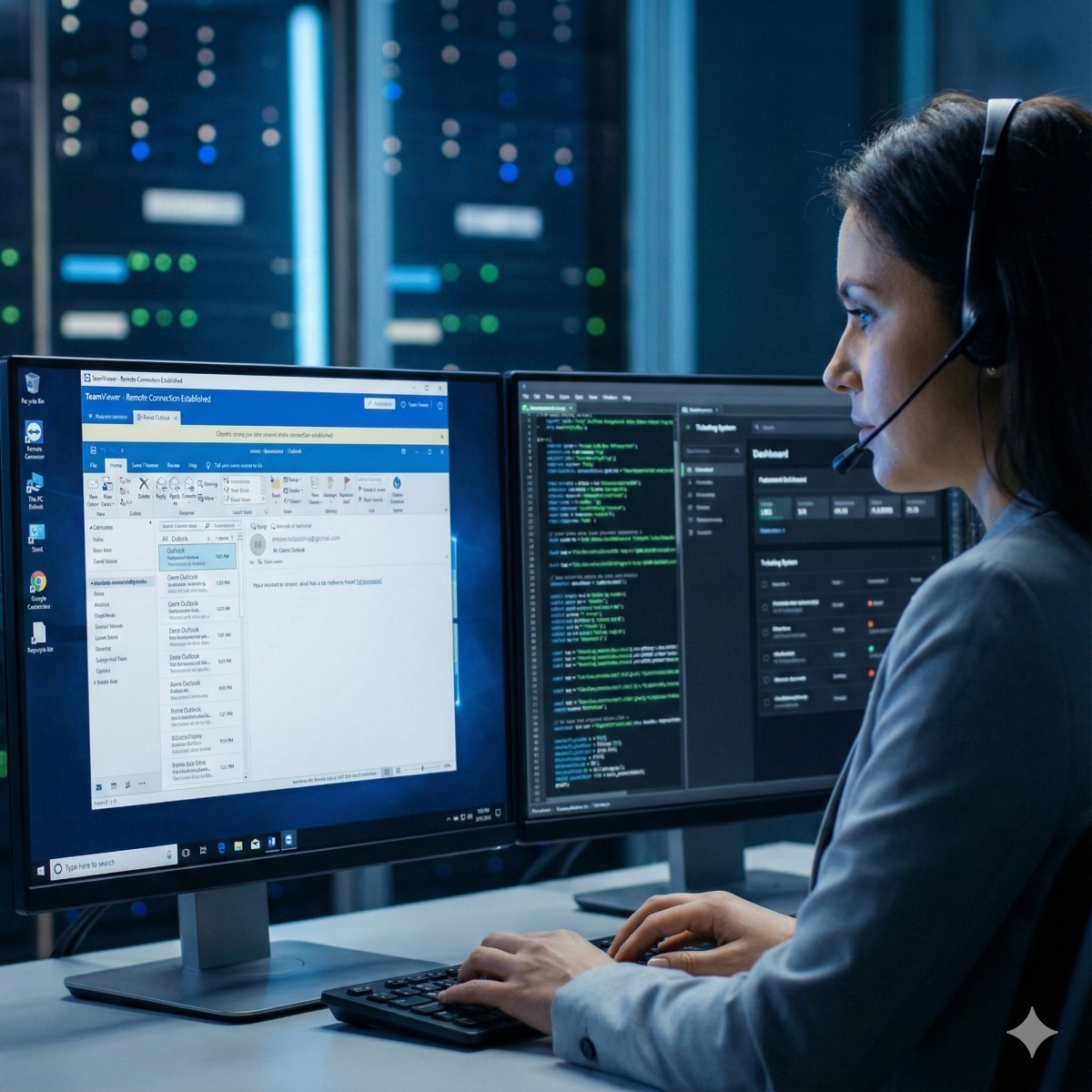
- Remote IT help desk – quick fixes over a secure session.
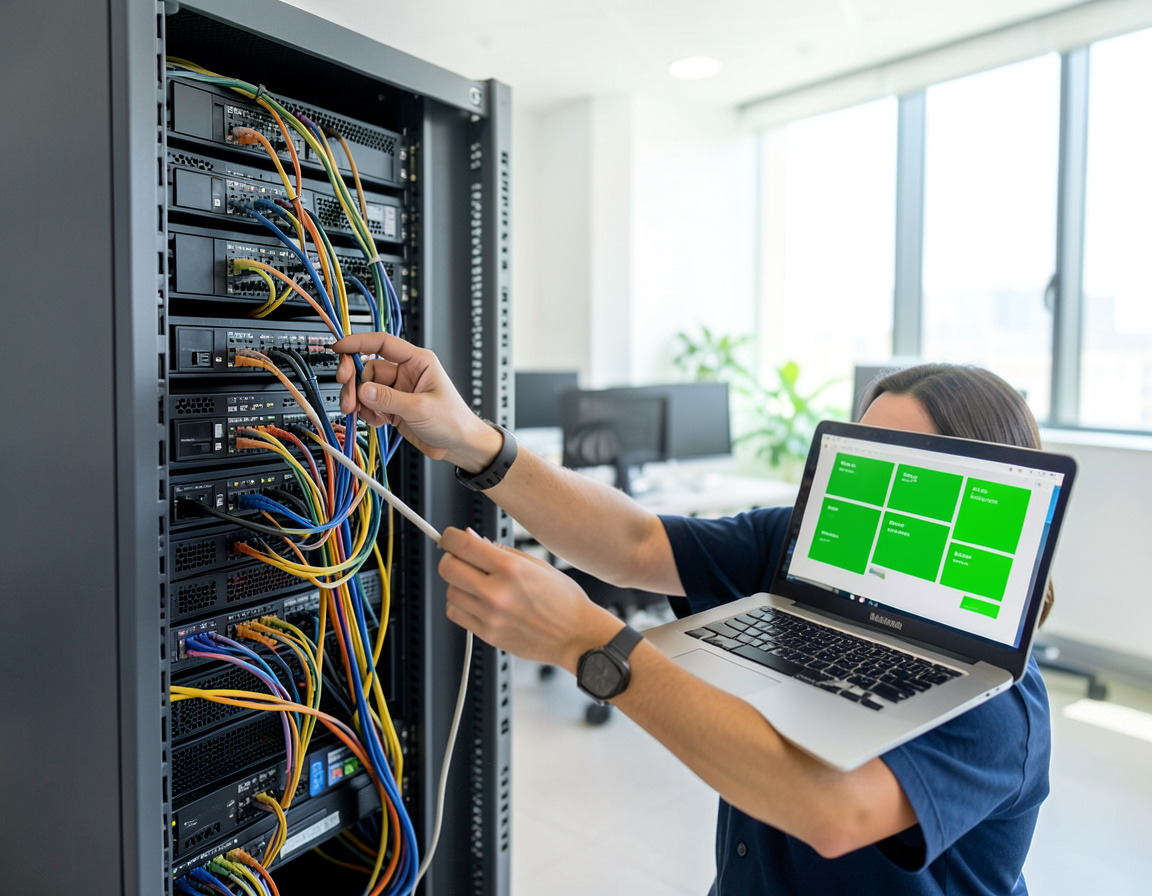
- Managed IT services – monitoring, patching and support for a monthly fee.
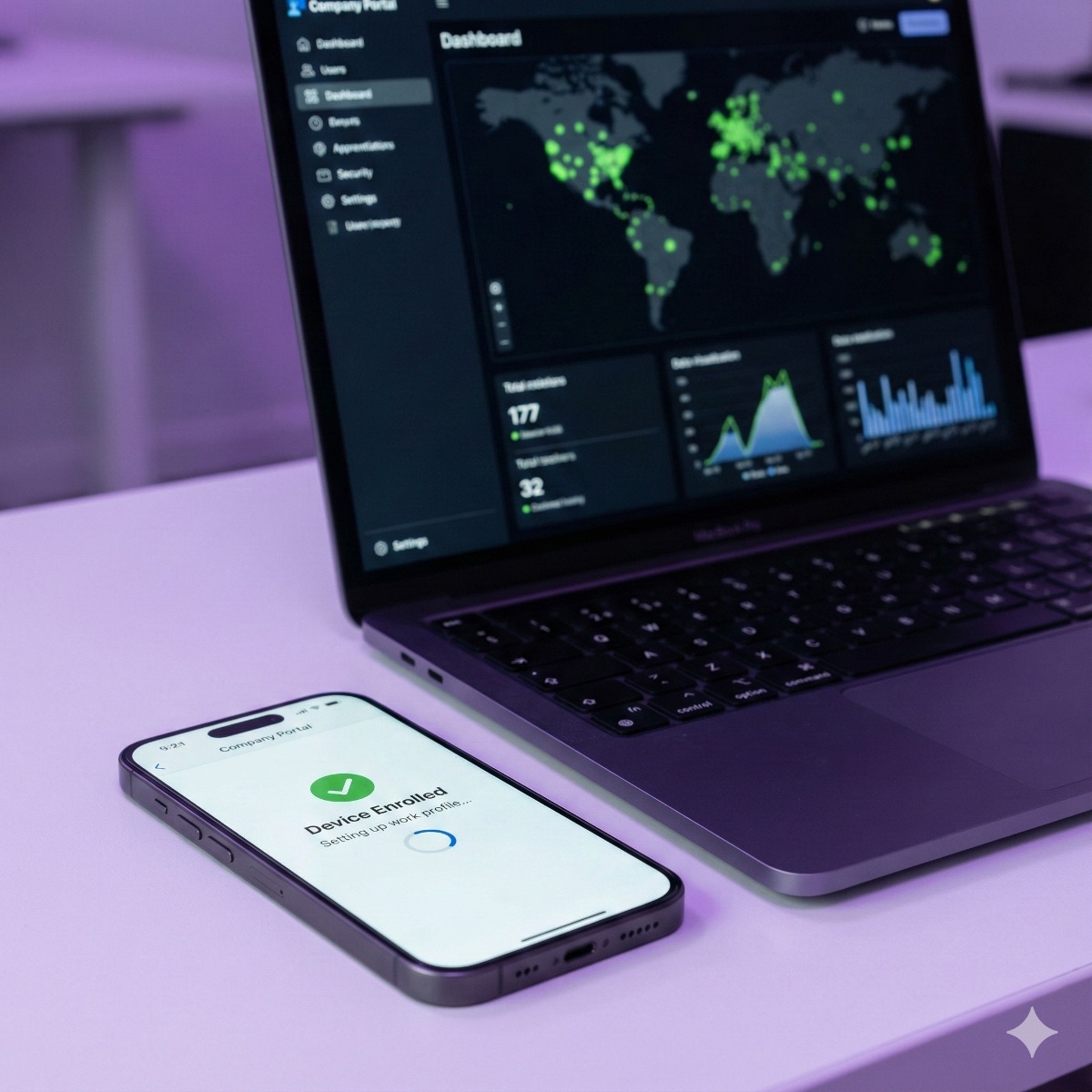
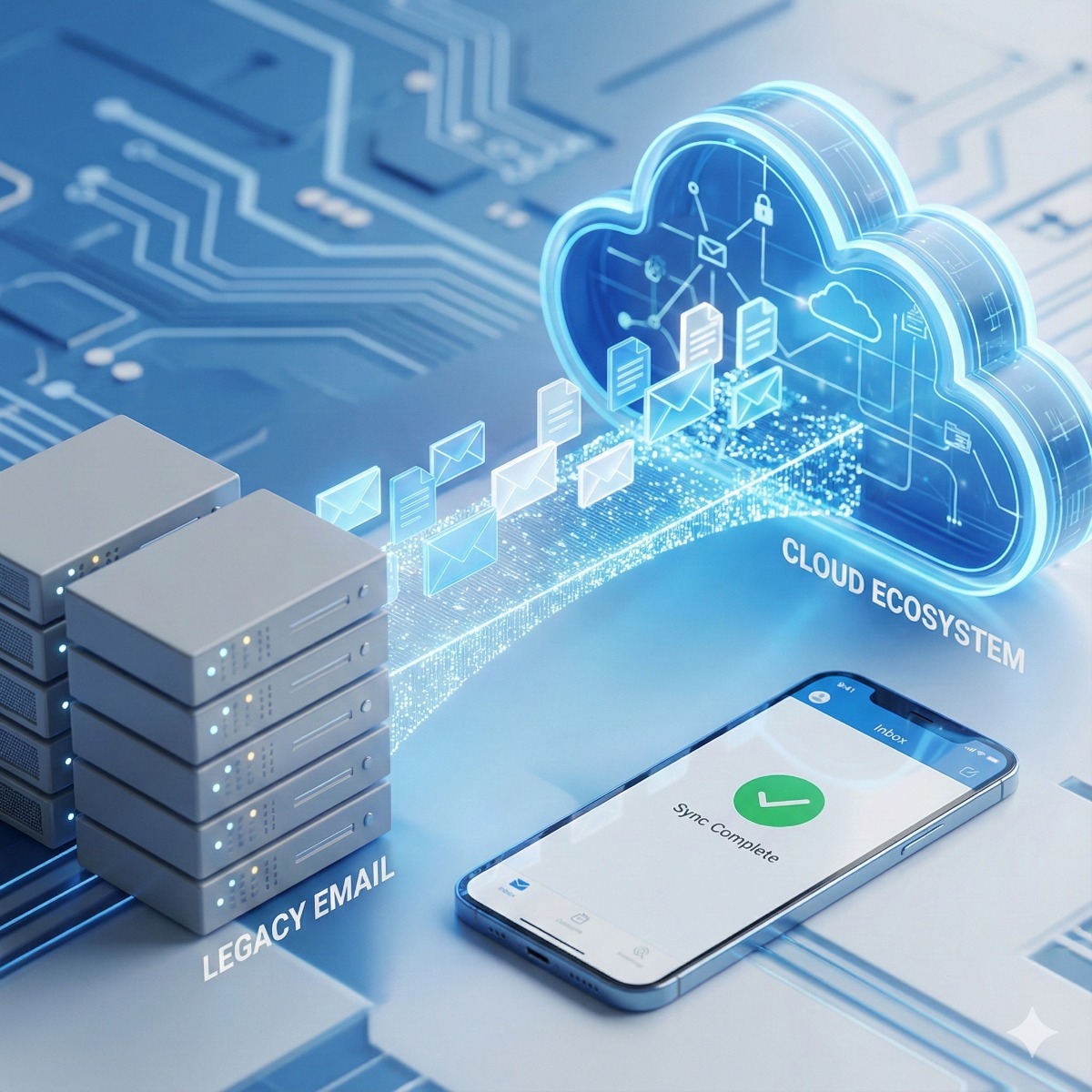
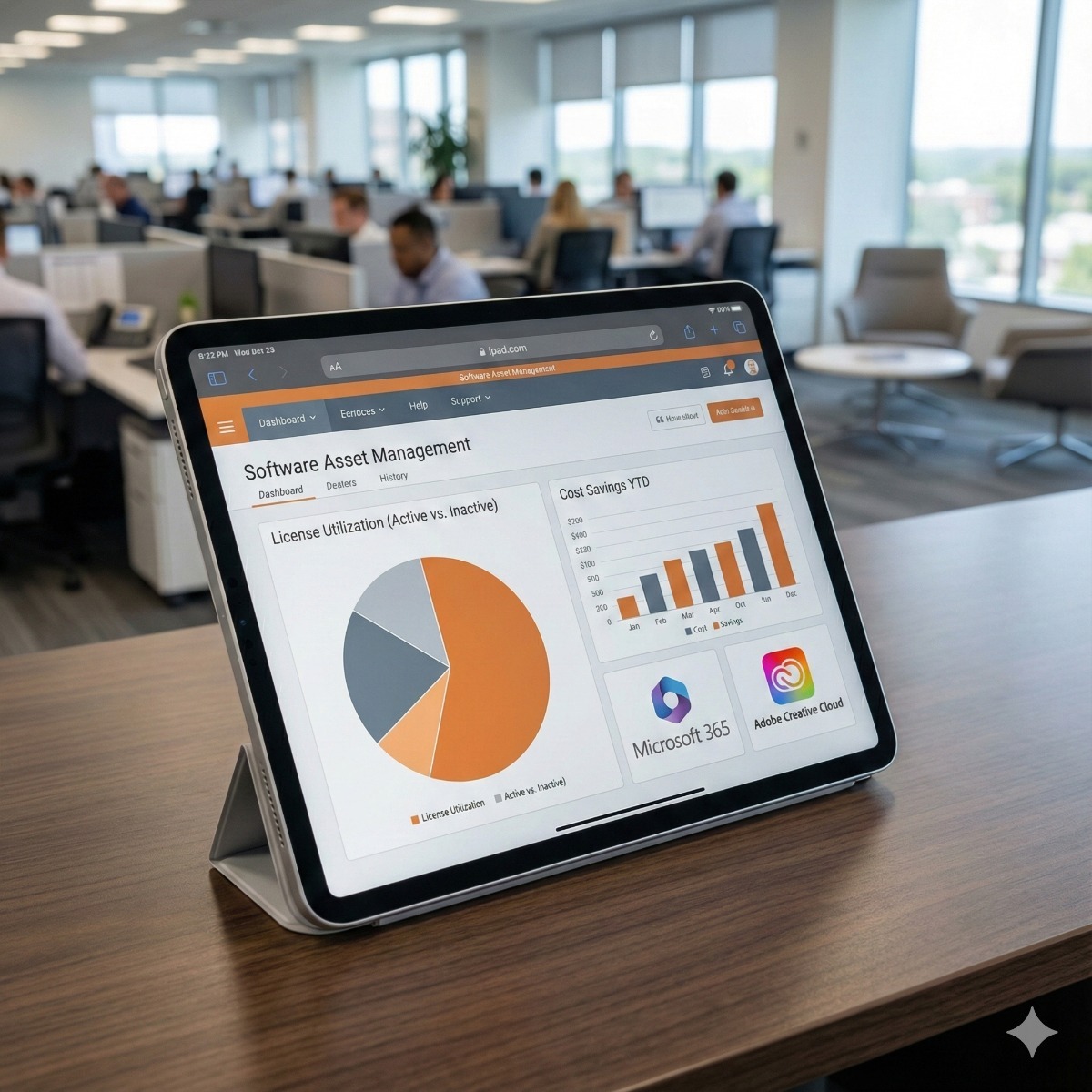
- Email migration, device management (MDM) and license management for growing teams.
Virus removal: warning signs and what we do
Malware today is less about crashing computers and more about stealing accounts and money. Typical signs are pop-ups claiming the computer is infected, a browser home page or search engine that keeps changing, extensions nobody installed, friends receiving odd emails from you, or a caller posing as a well-known company who asked you to install remote-access software.
- Disconnect first. If you suspect an infection or a scam call, take the computer offline and do not type passwords on it until it has been checked.
- Clean from outside. We scan with tools that run before Windows starts, remove the programs, browser extensions and scheduled tasks that bring malware back, and look for remote-access tools left behind by scammers.
- Secure the accounts. Email, banking and social media passwords are changed from a clean device, and two-step verification is switched on where available.
- Know when to reinstall. After ransomware or a deep infection, a clean install of the operating system is safer than repeated cleaning, and your files come back from a checked backup.
Support for homes and small offices
The same problems affect a family laptop and a ten-person office, but the fixes are organized differently. Home users usually need one repair explained in plain language. Offices benefit from shared standards: the same security settings on every computer, backups that are checked and one place to report problems.
Frequently asked questions
How long does virus removal take?
Simple adware and browser hijacks take far less time than a deep infection. When a clean reinstall is the safer option, most of the time goes into backing up and restoring your files and applications.
Can you fix my computer remotely?
Many software problems, such as email settings, printers, slow startup or an unwanted extension, can be solved over a secure remote session. Hardware faults and computers that no longer start need hands-on repair.
What information helps with a repair?
The make and model, a description of the problem and when it began, your Windows or Microsoft account sign-in, and any error messages or photos of the screen. For business computers, tell us who else uses the device and whether it holds shared files.
Related services: laptop and desktop repair services, remote IT help desk and business PC refresh when replacement makes more sense.